-
Sale!

Motion Essentials Bundle
Our Motion Essentials Bundle includes 4 of our most popular tutorials at a savings of 33%.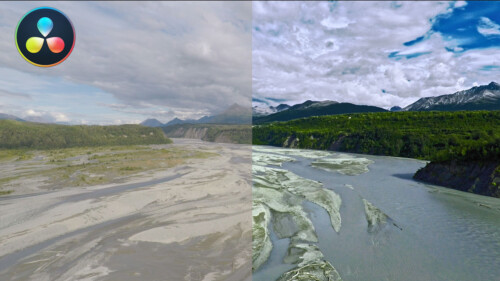
Working with LUTs in Resolve 14/15
In this tutorial, you’ll learn how the proper use of LUTs (Look Up Tables) can benefit your grading workflow in Resolve.
Ripple TitleMations 3.0
Enhance your video projects and capture your viewer’s attention with our set of professionally designed, animated title templates.
Keying and Compositing in FCP
Learn how to create clean keys and convincing composite images by mastering the Final Cut Pro’s Keyer and related tools through understanding and practice.
Warp Speed Logic: Scoring to Picture
In this training course, you will learn the basics of music scoring using Apple's Logic Pro. You'll work with loops and virtual instruments to arrange your song to picture, then mix and deliver a finished master. This tutorial is perfect for the Final Cut Pro user.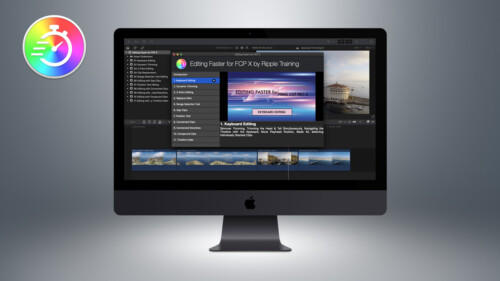
Editing Faster for FCP X
Editing Faster fore Final Cut Pro is a video tutorial series that was created to help you improve your skills and maximize your efficiency when editing in Final Cut Pro.
Mixing Strategies in Final Cut Pro X
Gain a deeper understanding of the audio mixing and delivery process in Final Cut Pro.
Callouts Complete
Callouts is our best-selling collections of animated arrows, shapes, magnifiers, pointers and more to focus your viewer's attention exactly where you want it.
Working with Audio Effects in FCP
In this tutorial, you’ll learn how to improve and enhance your voice tracks with just the built-in audio effects in Final Cut Pro.
The Art of Cutting Interviews in FCP X
Learn to edit interviews more efficiently using a combination of Final Cut Pro’s excellent metadata tools and third-party transcription applications and editing services.
Warp Speed Grading Workflows in DaVinci Resolve 16.1
Warp Speed Grading Workflow in Resolve 16 will teach you the most time-efficient grading strategies when working in Resolve’s Color Page.
Making Photos Come Alive in Motion
In this tutorial, you’ll learn how to separate your photos into layers then animate them in a variety of compelling ways using Pixelmator, Motion & mPuppet.
Video Encoding in Compressor 4.6
Video Encoding in Compressor will teach you how to use Apple’s Compressor to deliver high quality, low-bandwidth movies for a variety of delivery platforms.
RT Punch-Ins
RT Punch-Ins is a set of Final Cut Pro templates that allow you to quickly create animated zoom and pan effects on videos and photos.
Animating with Behaviors in Motion
Learn how to quickly create stunning motion graphics using Motion’s unique and powerful set of procedural animation tools called Behaviors.
RT Messages
RT Messages make it fast and easy to add animated text messages to your videos.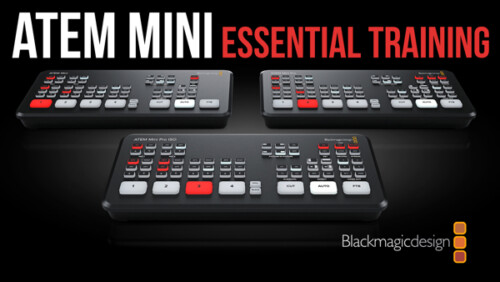
ATEM Mini/Pro Essential Training
ATEM Mini/Pro Essential Training is a deep-dive tutorial covering all aspects of the Mini and Mini Pro versions of this popular switcher for producing professional live streams.
Drawing and Animating Shapes in Motion
Learn how to draw and animate shapes, which are the building blocks of motion graphics in Apple’s Motion.
Using & Animating 3D Cameras in Motion
Jump into the director’s chair as you set up 3D scenes; frame your subjects; then dolly, sweep, pan and create fluid camera movement for your motion graphics projects.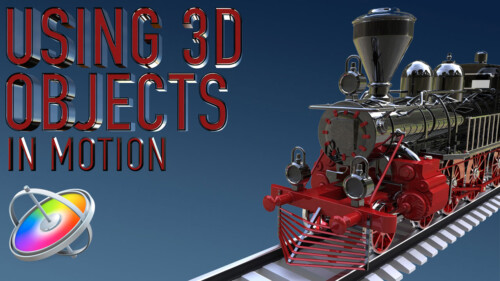
Using 3D Objects in Motion
This tutorial will teach you the key factors you need to know to be able to work with 3D models in both Motion and Final Cut Pro.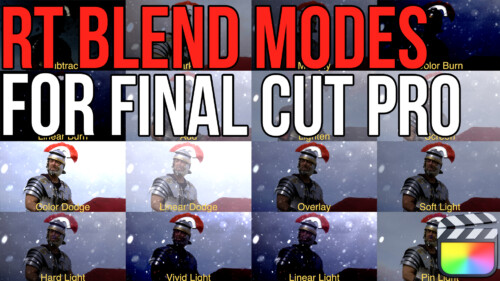
RT Blend Modes
RT Blend Mode is a free Final Cut Pro plugin that allows you to preview, then apply blend modes to your clips
RT TimeWarps
RT TimeWarps is a collection of 5 plugins that add frame rate, motion blur, strobe, trail and echo effects to your footage.
Mastering the Object Tracker in Final Cut Pro
Mastering the Object Tracker in FCP teaches you how to get the most out of Final Cut Pro’s object tracker as you track titles, logos, effects, and more in a wide variety of tracking scenarios.
RT Tracking Essentials
RT Tracking Essentials is a collection of 9 titles and 3 effects that are specifically designed to work with Final Cut Pro’s object tracker.
Multicam Editing in Final Cut Pro
Learn the fundamental skills of syncing, audio mixing, editing & color correcting multicam projects in Final Cut Pro.
Sound Editing in Fairlight Resolve 18
In this training course you will learn how to edit, sweeten, mix and deliver professional soundtracks in the Fairlight Page of DaVinci Resolve 18.
Fusion 101: Getting Things Done
Unlock the power of DaVinci Resolve's Fusion Page by learning basic compositing and visual effects strategies that will level-up your videos.
RT Markups
RT Markups is a collection of 26 title templates that allow you to quickly emphasize or exclude text and other on-screen objects.
RT Arrows
RT Arrows is a set of 39 title templates for Final Cut Pro that give you the ability to add customizable animated arrows to videos, photos, and other visuals.
Color Grading in Final Cut Pro
Color Grading in Final Cut Pro teaches you both the art and science of color grading, unlocking the full potential of Final Cut's deep tool set in the context of a structured grading approach so that you can manipulate color to support your storytelling goals.Sale!
Final Cut Pro Masters Bundle
9 Final Cut Pro tutorials encompassing over 26 hours of training. This is our definitive curriculum covering every aspect of Final Cut Pro post production. SAVE 42%Sale!
Final Cut Pro Essentials Bundle
Our Editors Essentials Bundle is a set of our 5 most popular Final Cut Pro tutorials encompassing over 17 hours of training. Purchase this bundle and save 36%.
Media Management in DaVinci Resolve 19
Media Management in DaVinci Resolve will give you the tools for improving playback performance, preparing your project for remote editing and backing up your work.
Creating Effects with Masks in Final Cut Pro 11
Learn how to use Final Cut Pro's Magnetic Mask, in combination with other masks for color grading, special effects, text effects, cloning effects and more!
DaVinci Resolve 20 Core Training
In this introductory training course you’ll learn how to import, organize, edit, add effects, color grade, mix, and deliver finished projects using DaVinci Resolve 20.
Color Grading in DaVinci Resolve 20
Color Grading in Resolve 20 will teach you how to leverage DaVinci Resolve 20's deep color grading tool-set to improve both the quality of your images and the speed at which you’ll be able to work.Go to Top