-
RT Paths
RT Paths is a set of templates that allow you to add adjustable path animations to your videos.
Drawing and Animating Shapes in Motion
Learn how to draw and animate shapes, which are the building blocks of motion graphics in Apple’s Motion.
Using & Animating 3D Cameras in Motion
Jump into the director’s chair as you set up 3D scenes; frame your subjects; then dolly, sweep, pan and create fluid camera movement for your motion graphics projects.
Media Management in Final Cut Pro
Learn how Final Cut Pro manages media; where it’s stored; how to copy, move and delete it; when to work with proxy media, and best practices for collaborating with other editors.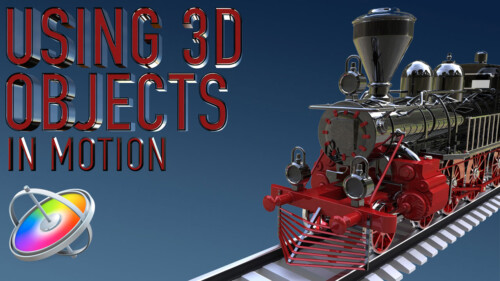
Using 3D Objects in Motion
This tutorial will teach you the key factors you need to know to be able to work with 3D models in both Motion and Final Cut Pro.Sale!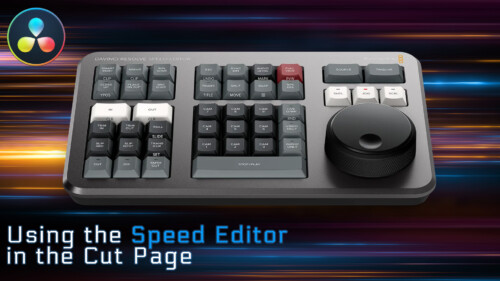
Using the Speed Editor in the Cut Page
Learn how to perform a complete edit in Resolve 17’s Cut Page using Blackmagic Design’s new Speed Editor control surface.
RT Transmations
RT Transmations makes it fast, easy, and fun to animate your text, logos, graphics, or any connected clip placed over your video.Sale!
Color Management in DaVinci Resolve 17
Color Management in Resolve 17 is a tutorial created to optimize your workflow giving you the confidence that your final output will be the best that it can be.
RT Shortcuts
RT Shortcuts is a Final Cut Pro title plugin that allows you to quickly add keyboard shortcut graphics to your tutorials and how-to videos.
Ripple Training for iMovie
Ripple Training for iMovie is a highly-focused video editing tutorial for Apple’s iMovie editing software.
RT TimeWarps
RT TimeWarps is a collection of 5 plugins that add frame rate, motion blur, strobe, trail and echo effects to your footage.
Mark in Motion: Rigging and Publishing
Learn how to take motion graphics projects created in Motion and turn them into titles, transitions, effects, and generators for use in Final Cut Pro.
Mastering the Object Tracker in Final Cut Pro
Mastering the Object Tracker in FCP teaches you how to get the most out of Final Cut Pro’s object tracker as you track titles, logos, effects, and more in a wide variety of tracking scenarios.
RT Tracking Essentials
RT Tracking Essentials is a collection of 9 titles and 3 effects that are specifically designed to work with Final Cut Pro’s object tracker.Sale!
Essential Audio Effects in DaVinci Resolve 17
In this tutorial, you’ll learn how to improve and/or enhance your voice-over dialogue tracks with just the built-in audio effects in DaVinci Resolve.
Final Cut Pro 12.3 Core Training
A foundational and immersive learning experience focusing on Apple’s editing application, Final Cut Pro.
Multicam Editing in Final Cut Pro
Learn the fundamental skills of syncing, audio mixing, editing & color correcting multicam projects in Final Cut Pro.
Working with LUTs in Final Cut Pro
Learn how and when to use LUTs in your color grading workflow so that you can achieve and deliver the look you’re after using Final Cut Pro.
Sound Editing in Fairlight Resolve 18
In this training course you will learn how to edit, sweeten, mix and deliver professional soundtracks in the Fairlight Page of DaVinci Resolve 18.
Fusion 101: Getting Things Done
Unlock the power of DaVinci Resolve's Fusion Page by learning basic compositing and visual effects strategies that will level-up your videos.
HDR Editing and Delivery
Learn the foundations of editing and delivering great looking HDR movies in Final Cut Pro.
RT Markups
RT Markups is a collection of 26 title templates that allow you to quickly emphasize or exclude text and other on-screen objects.
RT Arrows
RT Arrows is a set of 39 title templates for Final Cut Pro that give you the ability to add customizable animated arrows to videos, photos, and other visuals.Sale!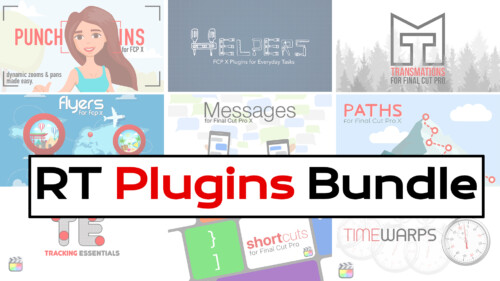
RT Plugins Bundle
The entire set of RippleLive Plugins designed for a variety of creative tasks in Final Cut Pro, for one low price.Go to Top