-
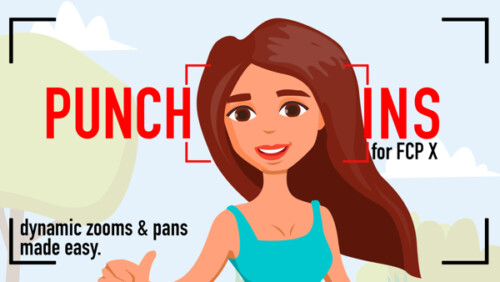
RT Punch-Ins
RT Punch-Ins is a set of Final Cut Pro templates that allow you to quickly create animated zoom and pan effects on videos and photos.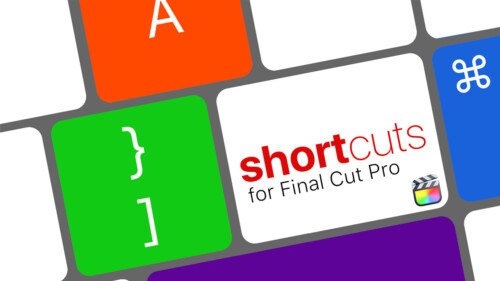
RT Shortcuts
RT Shortcuts is a Final Cut Pro title plugin that allows you to quickly add keyboard shortcut graphics to your tutorials and how-to videos.
RT Shutter
RT Shutter is a free Final Cut Pro transition that simulates a mechanical lens shutter as a photo is being taken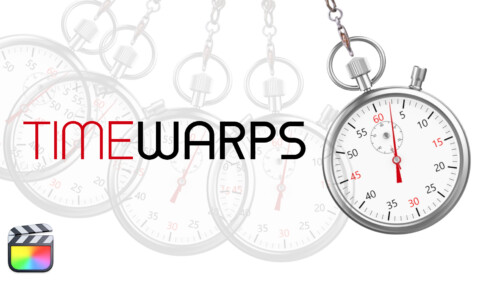
RT TimeWarps
RT TimeWarps is a collection of 5 plugins that add frame rate, motion blur, strobe, trail and echo effects to your footage.
RT Tracking Essentials
RT Tracking Essentials is a collection of 9 titles and 3 effects that are specifically designed to work with Final Cut Pro’s object tracker.
RT Transmations
RT Transmations makes it fast, easy, and fun to animate your text, logos, graphics, or any connected clip placed over your video.
RT Type-On Cursor Plugin
RT Type-On is a free Final Cut Pro plugin that simulates data entry on a computer keyboard.

Scenes
Scenes are a set of title templates for Final Cut Pro X featuring animated text inside full 3D environments with reflections, shadows, and customizable lights and cameras.
Short Film Editing Techniques
More than just technical explanations of editorial techniques, this tutorial focuses on the creative thinking behind each edit decision and how they have a positive or negative impact on the story.
Simple 3D Effect
Manipulate video or images along X, Y and Z planes
Sound Editing in Fairlight Resolve 18
In this training course you will learn how to edit, sweeten, mix and deliver professional soundtracks in the Fairlight Page of DaVinci Resolve 18.
Sound Editing in Final Cut Pro
Learn how to improve the quality of your soundtracks using the tools built right into Final Cut Pro.
Steps
Steps is a collection of 12 Final Cut Pro X transition effects that allow you to graphically demonstrate a procedure or process. Add video or still images to user-definable drop zones; modify the frame, text and background.
Styles
Styles is a collection of over 200 beautifully diverse animated title templates organized into themes for easy browsing.Sale!
Text in Motion 5
Our definitive video tutorial on creating, styling and animating 2D text in Motion. Learn how to format, animate, distort and randomize your text and even turn text into particles.
The Art of Cutting Interviews in FCP X
Learn to edit interviews more efficiently using a combination of Final Cut Pro’s excellent metadata tools and third-party transcription applications and editing services.
Timelines
Ripple Timelines is a collection of 8 Final Cut Pro X transition effects that create graphical timelines for your videos. Each transition is highly customizable allowing you to change just about everything.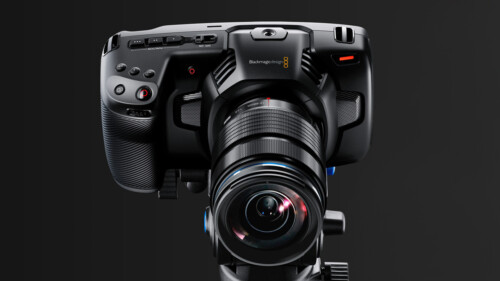
Up and Running with the Pocket Cinema Camera 4K
In this tutorial, learn the ins and outs of setting up and shooting with Blackmagic Design’s Pocket Cinema Camera 4K.
Using & Animating 3D Cameras in Motion
Jump into the director’s chair as you set up 3D scenes; frame your subjects; then dolly, sweep, pan and create fluid camera movement for your motion graphics projects.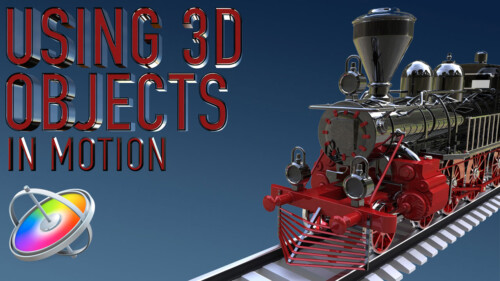
Using 3D Objects in Motion
This tutorial will teach you the key factors you need to know to be able to work with 3D models in both Motion and Final Cut Pro.Sale!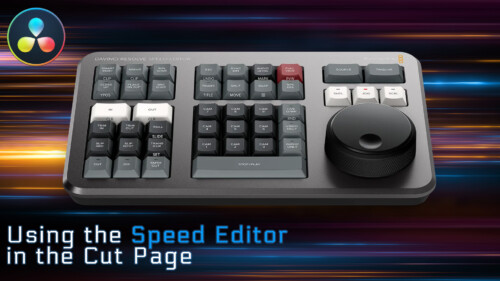
Using the Speed Editor in the Cut Page
Learn how to perform a complete edit in Resolve 17’s Cut Page using Blackmagic Design’s new Speed Editor control surface.
Video Encoding in Compressor 4.6
Video Encoding in Compressor will teach you how to use Apple’s Compressor to deliver high quality, low-bandwidth movies for a variety of delivery platforms.
Video in Text
Create a Video-in-Text effect with drag and drop efficiencyGo to Top