-
Sale!
Motion Essentials Bundle
Our Motion Essentials Bundle includes 4 of our most popular tutorials at a savings of 33%.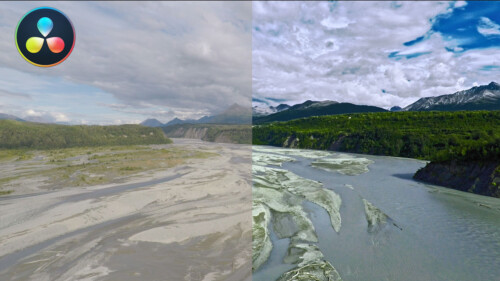
Working with LUTs in Resolve 14/15
In this tutorial, you’ll learn how the proper use of LUTs (Look Up Tables) can benefit your grading workflow in Resolve.
Ripple TitleMations 3.0
Enhance your video projects and capture your viewer’s attention with our set of professionally designed, animated title templates.
Keying and Compositing in FCP
Learn how to create clean keys and convincing composite images by mastering the Final Cut Pro’s Keyer and related tools through understanding and practice.
Warp Speed Logic: Scoring to Picture
In this training course, you will learn the basics of music scoring using Apple's Logic Pro. You'll work with loops and virtual instruments to arrange your song to picture, then mix and deliver a finished master. This tutorial is perfect for the Final Cut Pro user.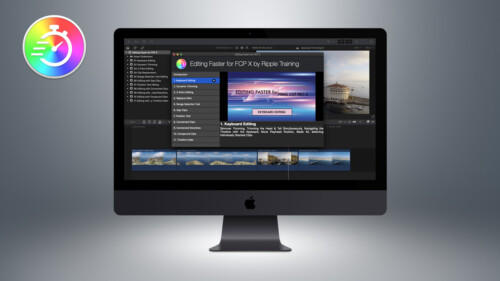
Editing Faster for FCP X
Editing Faster fore Final Cut Pro is a video tutorial series that was created to help you improve your skills and maximize your efficiency when editing in Final Cut Pro.
Mixing Strategies in Final Cut Pro X
Gain a deeper understanding of the audio mixing and delivery process in Final Cut Pro.
Callouts Complete
Callouts is our best-selling collections of animated arrows, shapes, magnifiers, pointers and more to focus your viewer's attention exactly where you want it.
Working with Audio Effects in FCP
In this tutorial, you’ll learn how to improve and enhance your voice tracks with just the built-in audio effects in Final Cut Pro.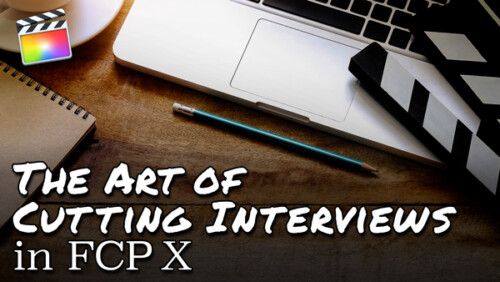
The Art of Cutting Interviews in FCP X
Learn to edit interviews more efficiently using a combination of Final Cut Pro’s excellent metadata tools and third-party transcription applications and editing services.
Warp Speed Grading Workflows in DaVinci Resolve 16.1
Warp Speed Grading Workflow in Resolve 16 will teach you the most time-efficient grading strategies when working in Resolve’s Color Page.
Making Photos Come Alive in Motion
In this tutorial, you’ll learn how to separate your photos into layers then animate them in a variety of compelling ways using Pixelmator, Motion & mPuppet.Go to Top